

The End of the "Scroll of Death": Making Sense of JavaScript Modules
Have you ever started a project that felt so beautifully simple at first?
You open a fresh file, name it script.js, and drop in a few simple functions. It feels clean. Everything makes perfect sense.
But then, the project starts to grow. You add a user login feature. Then a data dashboard. Then someone suggests adding complex swipe animations.
Without you even realizing it, that innocent little file mutates into a 3,000-line monster. Scrolling from the navigation logic at the top to the footer logic at the bottom starts to feel like a daily marathon. And the worst part? The code becomes dangerously tangled. You tweak a simple variable for a button, and somehow, the data dashboard completely crashes. It feels like your app is held together by duct tape and hope.
If you’ve ever felt that specific, heavy anxiety when opening a massive, fragile script file... man, I get it. You are absolutely not alone. We’ve all built the "everything bucket" app. It’s a rite of passage.
But it’s also entirely avoidable. That’s exactly why we have something called modules.
Why do we even need them?
Think of your code like a giant, chaotic workshop. Right now, every single tool, screw, block of wood, and bucket of paint is dumped right in the middle of the floor. That’s what a single massive JavaScript file is. Sure, everything you need is in there, but finding the 10mm wrench takes twenty minutes.
Modules are just... drawers. Beautiful, neatly labeled drawers.
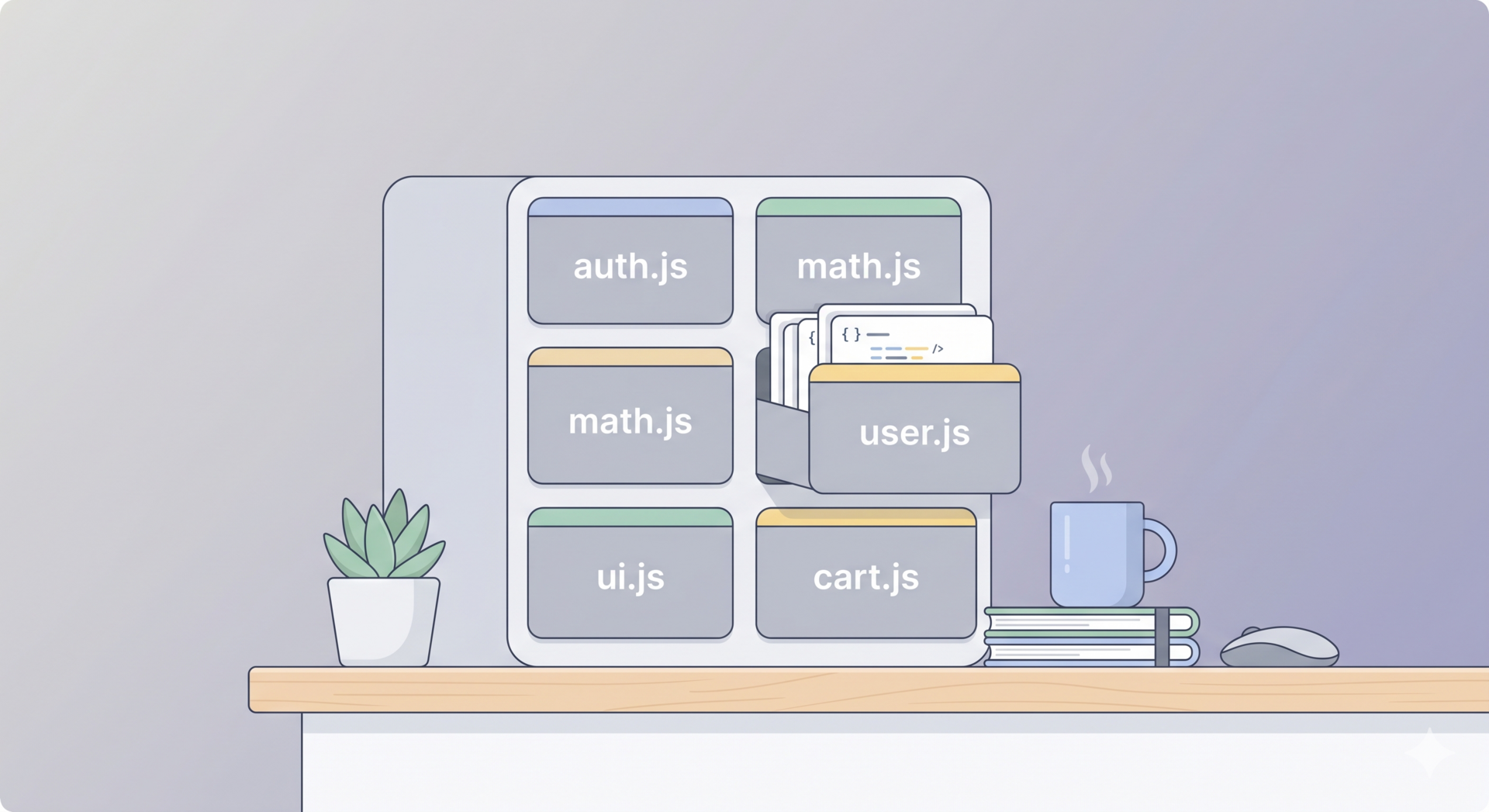
Instead of writing all your code in one giant file, modules let you break your code up into smaller, bite-sized files based on what they actually do. You put your math stuff in a math.js drawer. You put your user stuff in a user.js drawer.
The immediate benefit? Maintainability. When the login breaks, you don't have to scan 3,000 lines of code. You just open the login.js file. It gives you your sanity back.
The Flow: Exporting and Importing
So, if we chop our code into separate files, how do they talk to each other? They can't read each other's minds.
This is where the magic words come in: export and import.
Let's say you have a file called utilities.js. Inside it, you wrote a brilliant little function that capitalizes the first letter of a name.
If you want another file to be able to use it, you have to give it permission to leave its room. You export it.
// Inside utilities.js
export function capitalize(name) {
  return name.charAt(0).toUpperCase() + name.slice(1);
}
By putting export in front, you’re basically putting a sign on that function that says, "Hey, anyone else in this project is allowed to borrow this."
Now, over in your main app file, you need that function. So, you go grab it. You import it.
// Inside app.js
import { capitalize } from './utilities.js';

console.log(capitalize('sarah')); // Prints: Sarah
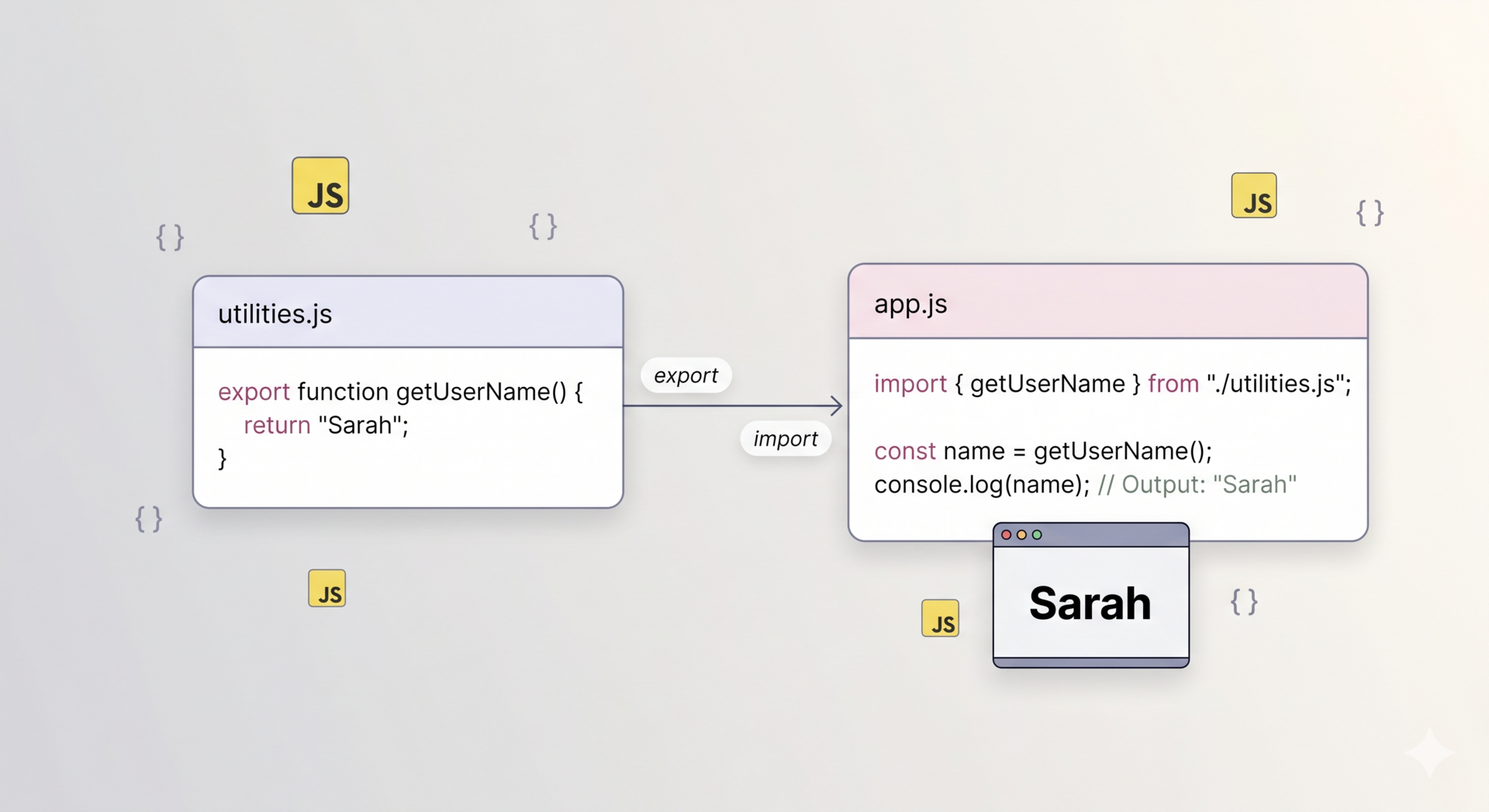
That’s the module import/export flow in a nutshell. File A offers something up. File B reaches out and grabs it.
If I were to sketch this out on a napkin for you, it would look a bit like this:
The tricky part: Default vs. Named Exports
Okay, here’s a tiny speed bump that trips up almost everyone at first—myself included. There are actually two ways to export things.
1. Named Exports (The specific tools) This is what we just did above. You export specific things by name, and when you import them, you must use their exact names inside curly braces {}.
It’s like asking your neighbor to borrow specifically their DeWalt 20V Power Drill. You have to name it. You can export a dozen different functions from one file this way.
2. Default Exports (The main event) Sometimes, a file is created to do exactly one main thing. Let’s say you have a file called UserProfile.js and its entire job is just to display a user's profile.
Instead of making people ask for it by a specific name, you can set it as the "default" thing that file hands out.
// Inside UserProfile.js
export default function createProfile() {
  // ... code to make a profile
}
Notice we didn't put curly braces around it when we import it?
// Inside app.js
import createProfile from './UserProfile.js';
Because it's the default, JavaScript just assumes, "Ah, they're importing the main thing from that file." You can even name it whatever you want when you import it. It's like going to a bakery and just saying, "I'll take the special." You don't need to name it; they know what you mean.
The Big Picture (File Dependency)
Once you start organizing things this way, your project stops looking like a tangled ball of yarn and starts looking like a clean, organized tree.
Instead of one file doing everything...
app.js(The boss) imports from...shoppingCart.js(Handles the money)auth.js(Handles logging in)ui.js(Handles buttons and colors)
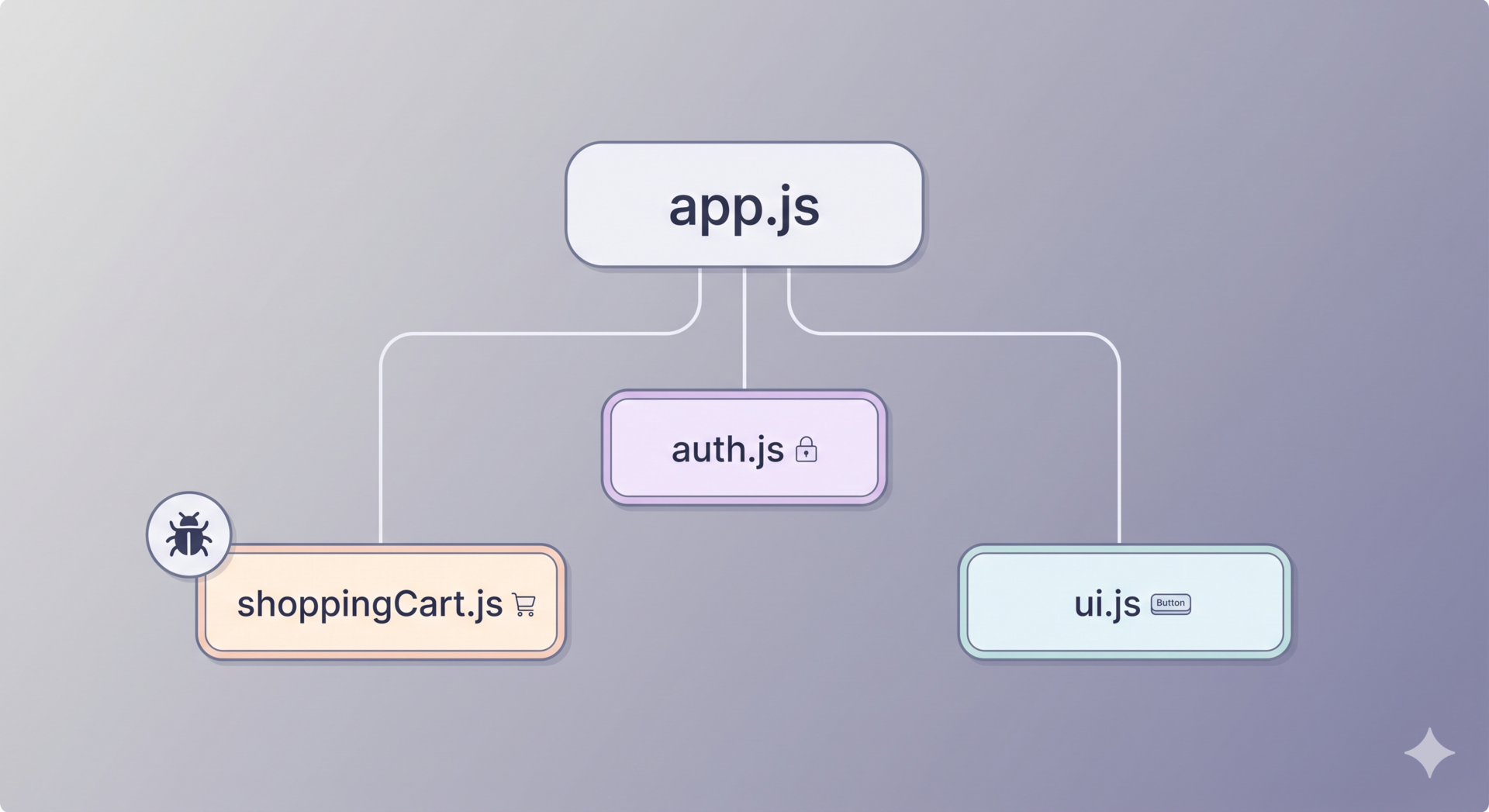
It creates a clean dependency diagram. If the shopping cart has a bug, you know exactly which file to open. And because that file only deals with the cart, you can tweak it, break it, and fix it without worrying that you accidentally ruined the login screen.
Eventually, we have to talk about how browsers read all these separate files (stuff like bundlers) but honestly? Don't even worry about that yet.
For now, just enjoy the feeling of closing that 3,000-line file for the last time. Start making some drawers. Your future self will thank you.