

Control flow
Have you ever been in a situation good or bad where you had to make a choice? A moment when you wondered, Should I do it or not?
It could be something like choosing a career path: Should I take this opportunity or not? Or imagine you are thinking about buying a cryptocurrency. You might ask yourself: Should I buy it? If I buy it, what could I gain? If I don’t, what might I miss? What if it succeeds? And what if it fails?
same like this we have a topic in JavaScript Control flow so we are going to talk about in this blog so hi there I’m Ravi Ranjan and let get started
What are Control Flow in Programming
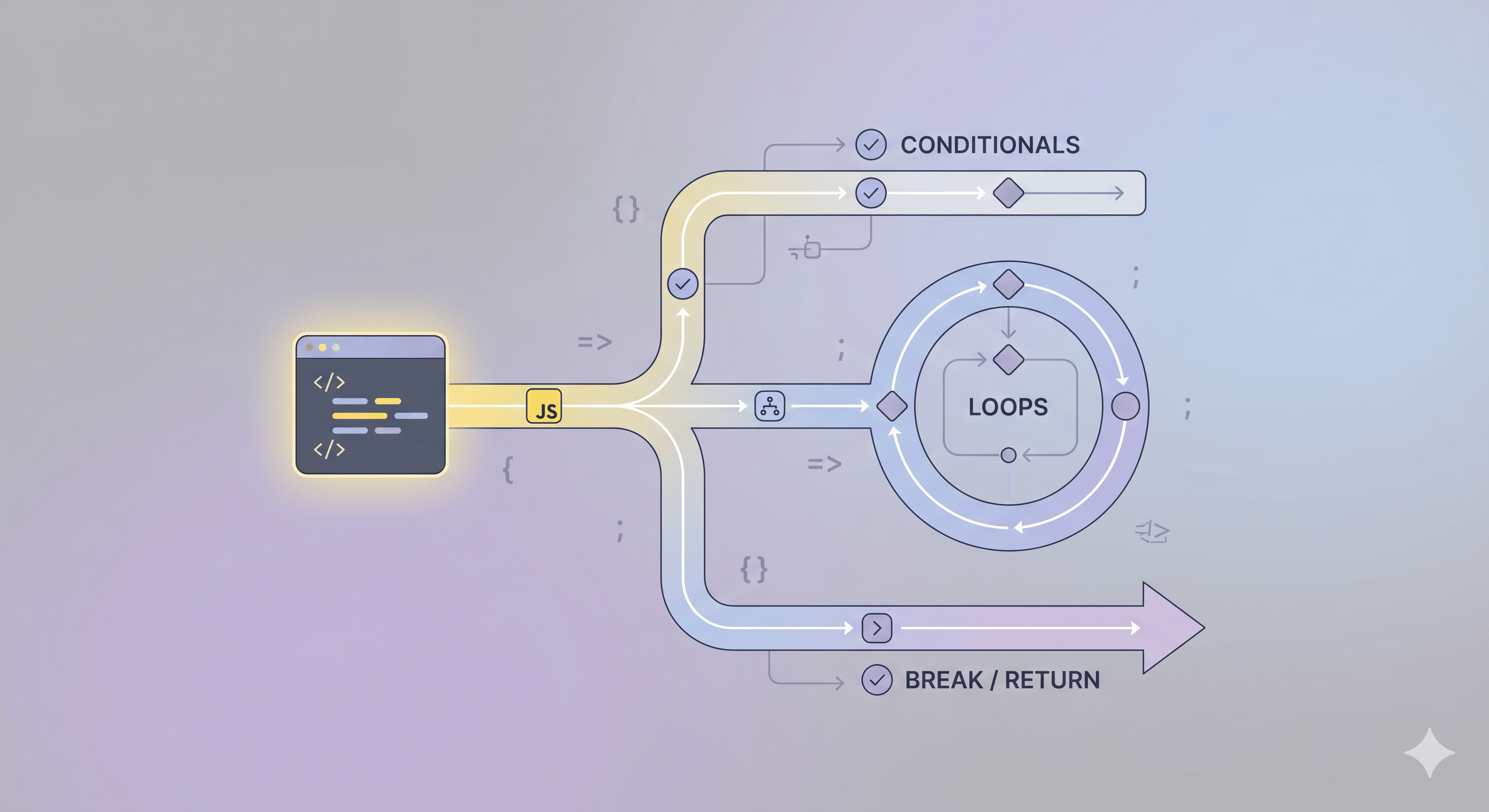
Control flow is basically the for your code’s journey. It’s the logic that decides which lines get to pop off and which ones get left on read.
Without it, your code would just be a boring, linear script running top-to-bottom. Control flow adds the main character energy by letting the program make choices, repeat tasks, or exit the chat early.
Conditionals: Using
if/elseto see if the situation is "giving." If the condition is mid, the code skips to the next block.Loops: Using
fororwhileto stay in a specific "era" (repeating code) until the mission is finally understood.Jumps: Using
breakorreturnto immediately dip out of a function or loop when the vibes are off.
What is if, if-else, else-if, switch
1. The if Statement
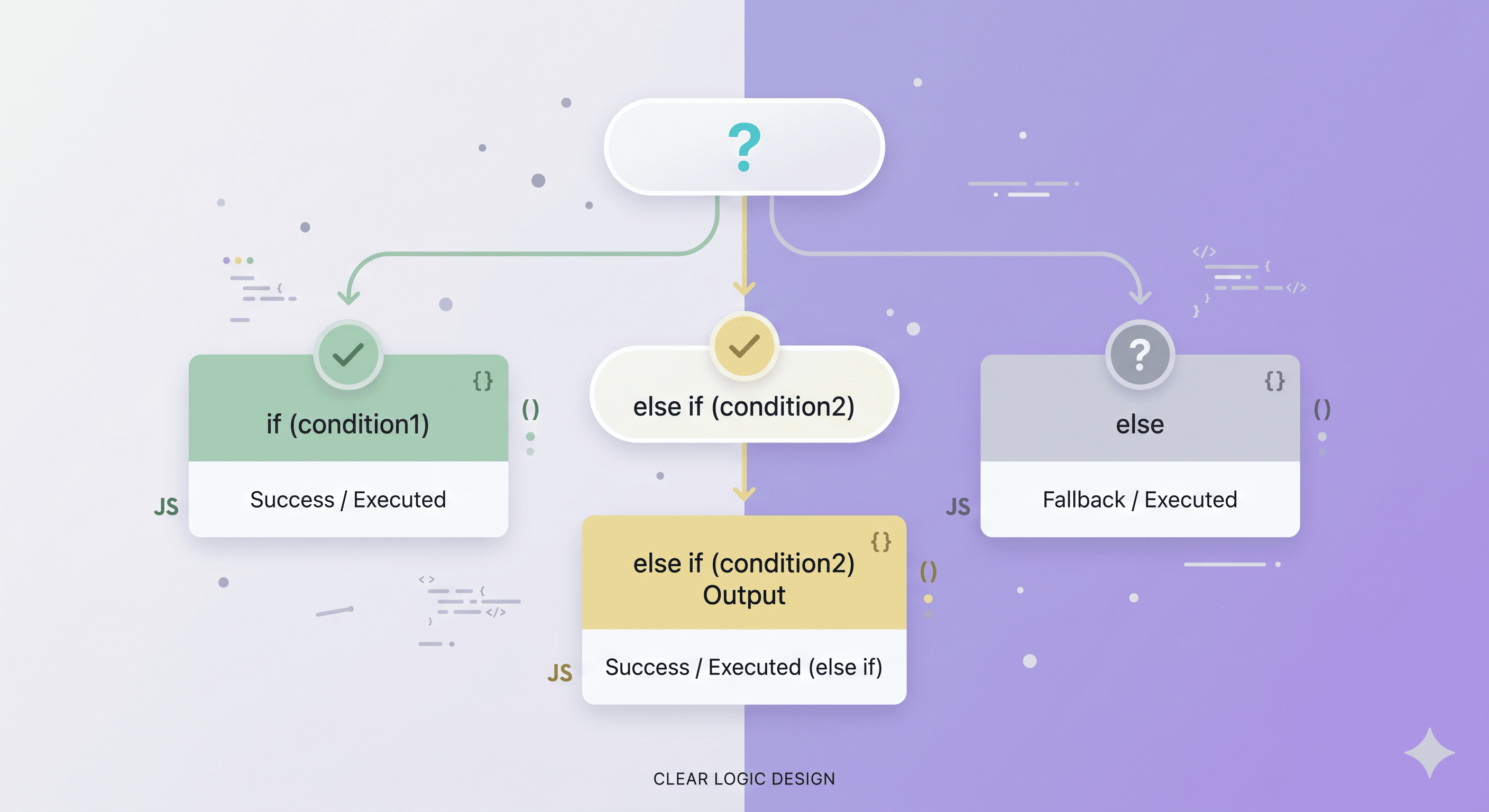
This is when you only care if the vibe is right. If the condition is giving, the code runs. If not, it just ignores it and keeps scrolling.
- Like: "If the signal is green, we move. If it isn’t, we stay put."
2. The if-else Statement
This is for when you have two options and no room for "maybe." It’s a total binary choice if the first option is an L, you automatically take the second one.
- Like: "We either go to the party or we rot in bed. Pick one."
3. The else if Ladder
When the situation is complicated and you have a whole list of "what ifs." You check the first vibe, then the second, then the third, until one finally hits.
- Like: "If India wins, we celebrate. If it’s a draw, fine. If India loses, we blame the pitch."
4. The switch Statement
Instead of checking a bunch of messy conditions, you just look at one specific variable and see which case it matches. It’s way cleaner for when you have a long list of specific outcomes.
- Like: "Paneer butter masala or biryani? I’m ordering. Anything else, no thanks."
When to Use switch vs if-else (The Simple Dev Rule)
If you’ve written any code, you’ve probably hit the moment where you think:
“Should I use switch here or just stack some if-else statements?”
Both do conditional logic, but they’re meant for slightly different situations. Knowing when to use each keeps your code cleaner and easier to read.
Use switch When You’re Matching One Value
switch works best when you’re checking one variable against multiple fixed values. Instead of repeating the same variable in multiple if statements, switch lets you structure it neatly.
Example:
switch (role) {
case "admin":
access Dashboard();
break;
case "editor":
access EditorTools();
break;
case "viewer":
access ViewerMode();
break;
default:
access GuestMode();
}
Here the program only cares about what role equals. No extra logic, just direct comparisons.
Why this works well:
Cleaner than repeating
role === ...Easier to scan when there are many cases
Keeps related cases grouped together
break→ stop theswitchno
break→ run the next cases too (fall-through)
Use if-else When There’s Actual Logic
if-else is more flexible. It handles conditions, not just values. That means comparisons, ranges, or combining multiple checks.
Example:
if (score >= 90) {
    grade="A";
}
else if (score >= 80) {
    grade="B";
}
else if (score >= 70) {
    grade="C";
}
else {
    grade="F";
}
This can’t be cleanly written with switch because the conditions involve ranges, not exact values.
if-else is better when:
Using comparison operators (
>,<,>=,<=)Checking multiple variables
Using logical operators (
&&,||)Running more complex decision logic
A Quick Comparison
| Situation | Best Choice |
|---|---|
| Checking one variable against fixed values | switch |
| Checking ranges or comparisons | if-else |
| Multiple variables involved | if-else |
| Many clean value cases | switch |
A Simple Mental Model
Think of it like this:
switchchooses between predefined options.if-elseevaluates conditions and logic.
So if your code is basically asking “which value is this?”, use switch.
If it’s asking “does this condition pass?”, use if-else.
1. Program to Check if a Number is Positive, Negative, or Zero
let num = -5;

if (num > 0) {
    console.log("The number is Positive");
}
else if (num < 0) {
    console.log("The number is Negative");
}
else {
    console.log("The number is Zero");
}
Explanation
I used the
if...else if...elsecontrol structure.This structure is useful when we need to check multiple conditions in order.
The program:
Checks if the number is greater than
0.If not, it checks if it is less than
0.If both conditions fail, the number must be
0.
2. Program to Print Day of the Week Using switch
let day = 3;

switch (day) {
case1:
    console.log("Monday");
break;
case2:
    console.log("Tuesday");
break;
case3:
    console.log("Wednesday");
break;
case4:
    console.log("Thursday");
break;
case5:
    console.log("Friday");
break;
case6:
    console.log("Saturday");
break;
case7:
    console.log("Sunday");
break;
default:
    console.log("Invalid day");
}
Explanation
I used the
switchcontrol structure.switchis useful when:A variable can match multiple fixed values.
It makes the code cleaner than many
if...elseconditions.
Here the variable day is checked against numbers 1–7, and the matching case prints the correct day.